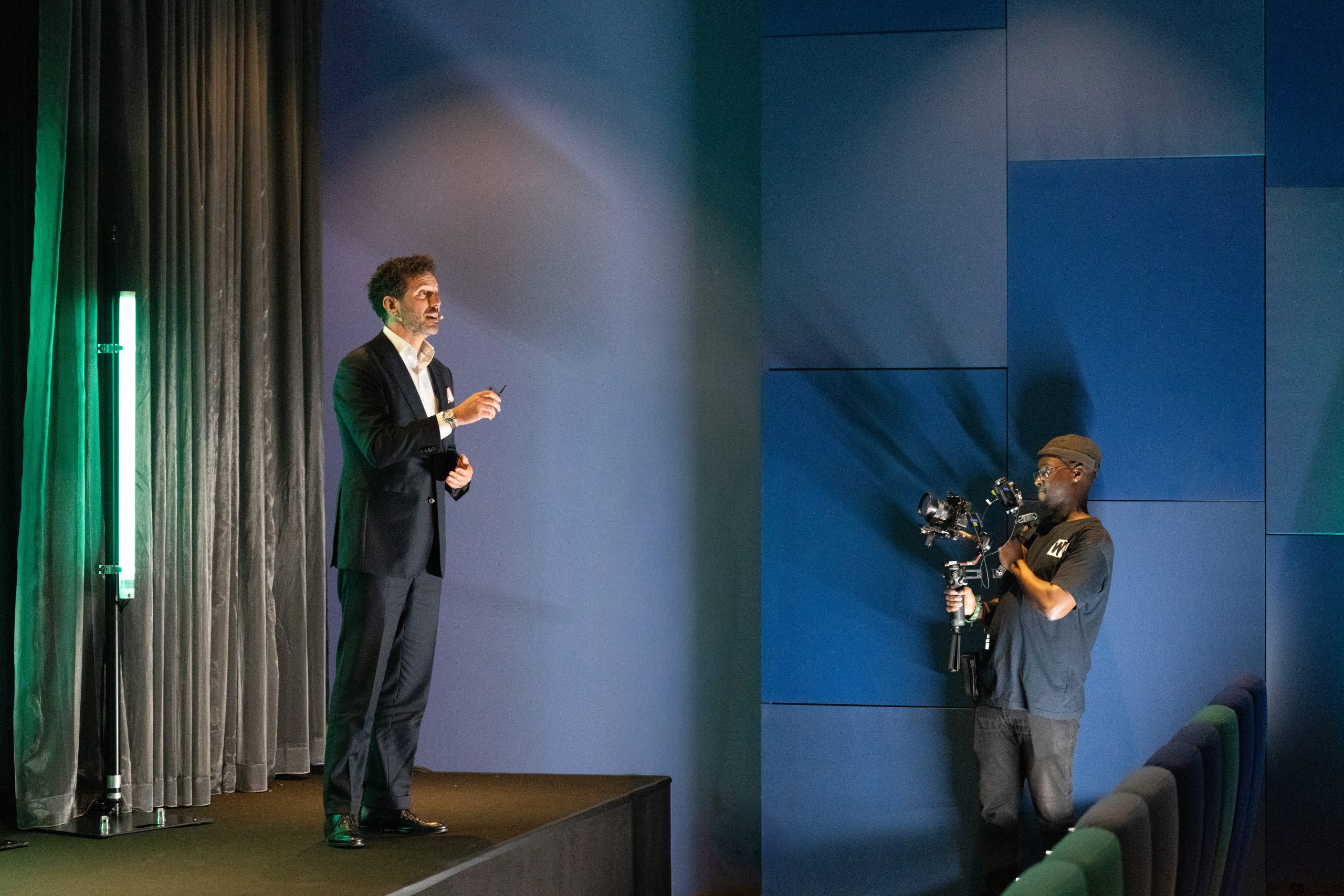
Recorded slide decks often remove the part that makes training work. They transfer information, but they do not always help people understand what changes on Monday morning. Contemporary learning analytics show that passive corporate videos fail to change behavior unless they force the viewer to resolve a conflict or make a choice.
- Training videos must create understanding, not just transfer information.
- Slide decks hide the actual decisions the learner needs to make.
- Useful friction helps people remember complex rules and consequences.
- The speaker needs practical structure and clear visual support.
- A training series must follow the learner’s logic, not the internal org chart.
Completion Misleads Learning Metrics
Completion is easy to measure, which makes it tempting to treat it as the goal. The video was watched. The module was finished. The box was ticked.
The harder question is whether the person can use the material afterwards. Can they recognize the situation? Can they explain the risk? Can they choose the right action when the context is messy? Can they remember the rule when nobody is prompting them? If the answer is no, the video has delivered information without creating enough understanding.
Slides Hide Critical Decisions
Training material often starts as slides because slides are convenient for internal approval. They hold the rules, process steps, definitions, diagrams, and legal wording. Video asks more of that material.
A slide deck usually presents the finished logic. Training needs to reveal the decision behind it. Where does the rule apply? What makes a situation risky? What would a wrong action look like? Which exception causes confusion? Which part do people tend to skip because it feels obvious? Those are video decisions, not design details. If the viewer only sees a sequence of slides, they may understand the wording and miss the moment where the rule matters.
Friction Creates Strong Memory
Useful friction is the moment where the viewer has to think. It can be a scenario, a choice, a short pause, a wrong example, a before-and-after, a demonstration, or a consequence shown clearly enough to make the rule feel necessary.
The goal is meaningful effort. Bad audio, tiny text, and messy structure create the wrong kind of struggle. The useful struggle sits in the substance. That difference matters. Poor production creates irritation. Useful friction creates memory.
Speakers Must Anchor Standards
Training videos often use subject-matter experts or internal trainers. They know the material. That does not automatically mean they can carry it on video.
The speaker needs a clear role. Are they there to explain the rule, show the consequence, introduce a process, demonstrate a task, or give authority to the message? Each role needs a different delivery style and different support from the edit. The best speaker preparation removes the burden of sounding perfect and gives the person a practical task. They must explain the decision, show the example, clarify the risk, and guide the next step.
Visuals Need Specific Jobs
Training video has more visual jobs. It can simplify a process. It can make a distinction visible. It can highlight one line of a policy while the speaker explains why it matters. It can show a wrong path before the right one.
The visuals have a job. They reduce load where the content is dense and increase attention where the content matters. That requires planning before production. The team must decide which parts need a person on camera and which parts need screen capture, motion, diagrams, text, stills, or examples. They must also decide which parts should disappear from the video because they belong in a reference document instead.
Series Demand Learner Logic
Internal training is often organized around departments, topics, or ownership. The viewer experiences it differently. They meet the material through situations. This includes the first day in the role, the first customer call, the first incident, the first approval process, the first reporting task, and the first difficult decision.
A stronger training series follows learner logic. It groups videos around what people need to do, not around internal ownership alone. This is especially useful for onboarding, compliance, regulatory training, customer education, and operational knowledge transfer. The video becomes easier to follow because it matches the learner’s next action.
Measure Post-Viewing Outcomes
Ask what the person should understand, remember, and do differently after watching.
Once that answer is clear, the production can support the learning. The script gets sharper. The speaker knows their job. The visuals have a reason. The edit protects attention. And the training stops feeling like a document with a play button.