Business video production works best when it is treated as a process with clear phases. Good results rarely come from the shoot day alone. They come from preparation, disciplined execution, and careful finishing.
That structure is useful even for smaller projects. Whether you are producing a leadership update, a recruitment video, or a customer case, the same basic logic applies: decide what the video must do, prepare properly, film with intent, and edit against clear criteria.
Table of Contents
Understanding the phases of video production
Video production is usually divided into pre-production, production, and post-production. That sounds basic, but the separation matters because each phase solves a different problem. Pre-production decides what the video is for. Production captures the material. Post-production shapes the final meaning and finish.
When teams skip the distinctions, they often end up solving strategic questions on set and technical problems in the edit that should have been prevented earlier.
Pre-production – Plan the shooting
Pre-production is where most of the project’s quality is decided. It is the phase that turns a vague wish for a good video into an executable plan.
Concept development
Start by defining the objective, audience, message, and distribution context. A strong concept says what the viewer should understand or do after watching. It also defines what the video will not try to do, which is just as important.
Success metrics belong here too. If the team cannot describe what success looks like, it becomes difficult to judge later creative choices.
Story boarding and script writing
Once the concept is clear, build the structure. Storyboards do not need to lock every frame, but they should make the logic visible. Scripts should give the message a usable flow, with a clear opening, supporting points, and a controlled close.
Keep the language suited to the audience. Most business videos become stronger when they sound simpler, not smarter.
Plan the shoot, including the location, equipment, and actors or presenters.
Planning the shoot means making practical decisions early. Choose locations that support the message, identify presenters or contributors, confirm equipment needs, and decide what kind of visual world the video should create.
A shot list helps keep the day efficient. It also reduces the risk of discovering in post-production that a crucial detail was never filmed.
Create a production schedule and budget
A realistic schedule and budget protect both quality and calm. They should account for preparation time, shoot logistics, review rounds, subtitles, exports, and anything else the final deliverable depends on.
Underestimated review time is one of the most common reasons straightforward projects become difficult.
Production – Shooting
The shoot is where planning meets reality. Good production does not improvise everything. It keeps enough flexibility to respond to the day while still protecting the message and priorities agreed earlier.
Set up the shooting location
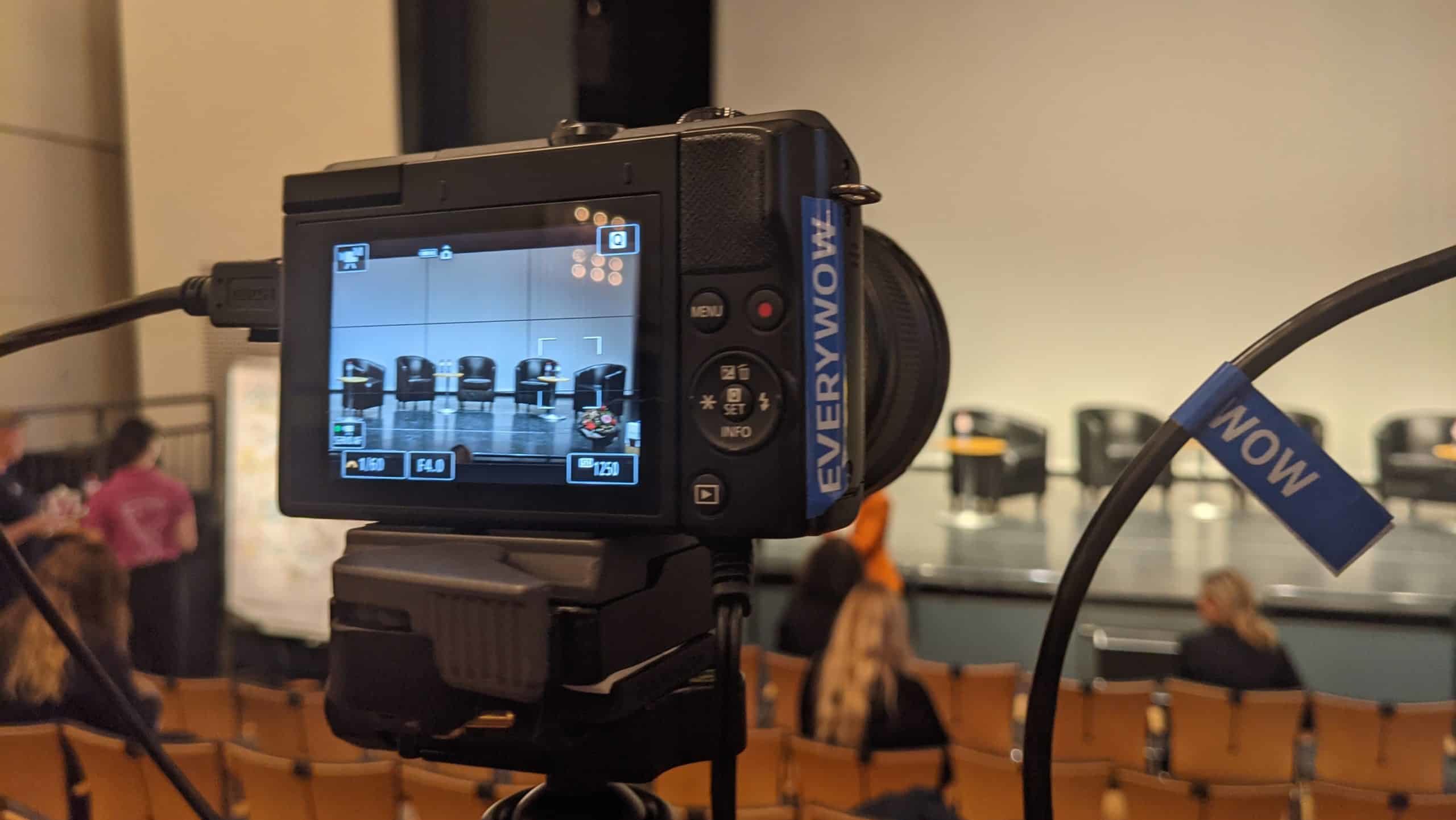
Prepare the location so it works visually and technically. That includes framing, lighting, background control, sound conditions, and the small details that may distract later if they are ignored.
Location setup should make the presenter’s job easier, not harder.
Direct the talent
Directing talent is not only about getting lines right. It is about helping people sound like themselves while staying clear and usable for the edit. The best direction reduces self-consciousness and sharpens intent.
That matters especially in business video, where the speaker is often not a trained performer.
Capture high-quality footage
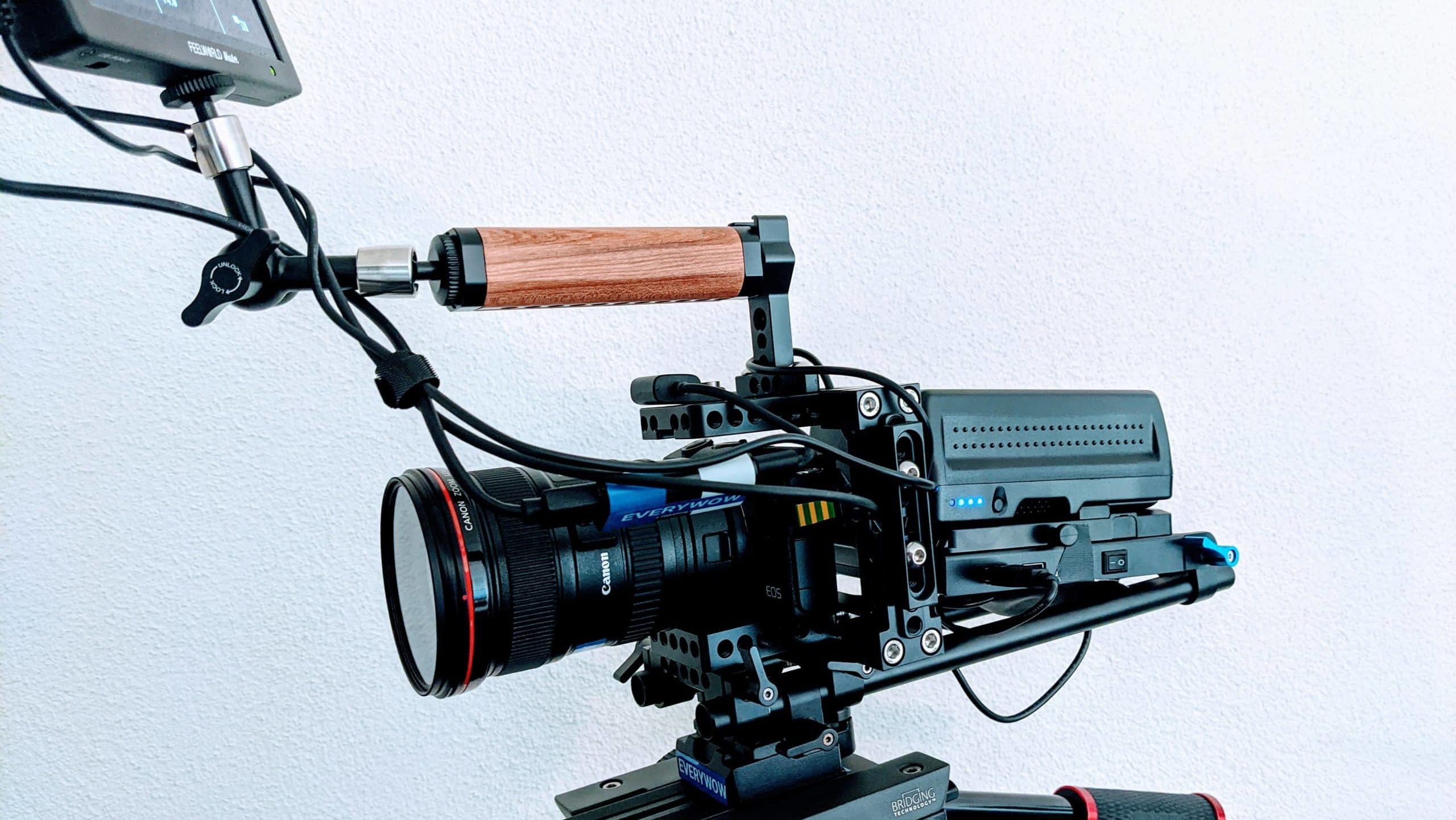
High-quality footage comes from control, not from expensive gear alone. Focus, exposure, composition, movement, and continuity all matter. So does understanding what the edit will later need.
If the team knows the final purpose of the video, it becomes easier to prioritise the shots that truly carry the piece.
Capture additional footage and b-roll.
B-roll is not filler. It helps explain, pace, and visually support the main narrative. Good additional footage gives the editor room to solve transitions, cover cuts, and make the final piece feel more intentional.
The strongest b-roll is planned around meaning, not collected randomly.
Record clear audio
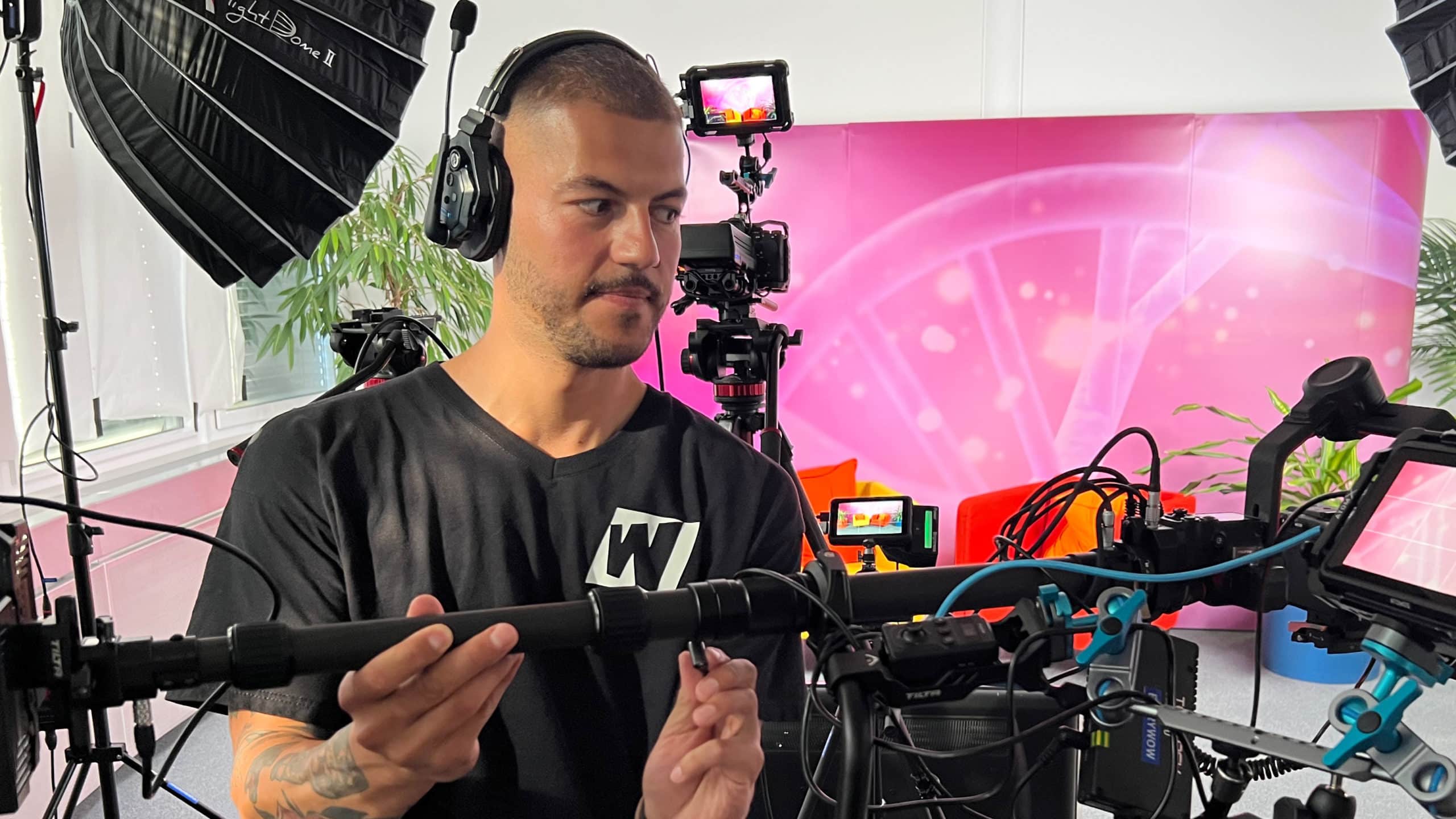
Clear audio is one of the fastest ways to make a video feel professional. Viewers often tolerate imperfect images longer than weak dialogue. Use the right microphones, monitor the recording, and control the room as much as possible.
Good sound saves time later and protects the credibility of the speaker.
Post-production – Finishing the video
Post-production turns recorded material into a finished communication asset. This is where structure, rhythm, clarity, and polish either come together or fall apart.
Edit the footage
Editing is mostly about selection. The goal is not to use everything that was filmed. It is to keep what strengthens the message and remove what weakens pace or focus.
A strong edit feels economical. Nothing important is missing, and nothing unnecessary is left in.
Add graphics and visual effects
Graphics should clarify rather than decorate. Titles, captions, charts, and restrained visual effects can help viewers follow the argument or identify key information quickly.
If they add style without clarity, they are often noise.
Color grading and correction
Colour correction makes footage technically coherent. Grading then shapes tone. In most business contexts, subtlety is more useful than aggressive stylisation.
The best colour work often goes unnoticed because it makes the video feel stable and intentional.
Mix and edit the audio
Audio finishing includes balancing dialogue, cleaning noise, adding music where useful, and making sure the whole video sounds coherent from start to finish.
The best sound mix supports comprehension first and atmosphere second.
Review and revisions
Review rounds should test the video against the original objective. Does it say what it needs to say? Is anything unclear, too long, or strategically off? Feedback is most useful when it stays tied to those questions.
At the end, the finished video should feel not only polished, but purposeful.
FAQ
Which phase influences quality the most?
Usually pre-production. Clear decisions made early prevent many expensive problems later.
Can a small company still follow this process?
Yes. The process scales up or down. Even lean projects benefit from clear planning, disciplined shooting, and structured review.
Why is b-roll important?
It gives the edit visual flexibility, helps explain ideas, and makes transitions smoother and more intentional.
What is the most common production mistake?
Trying to solve strategic uncertainty during the shoot instead of in pre-production.
How many review rounds are usually sensible?
Enough to refine the result, but not so many that the project loses clarity. Two to three disciplined rounds are often enough.