
To look professional on camera, your outfit should support the message instead of competing with it. The best choice is usually simple, well-fitted, and calm on screen.
That does not mean dressing in a generic corporate uniform. It means choosing clothing that fits your role, feels natural to wear, and behaves well under lights, microphones, and close framing.
Table of Contents
Short overview
For women
- Choose clothing you can wear with ease. Comfort reads as confidence on camera.
- Solid colours usually work best, especially muted tones, navy, soft blues, or controlled jewel tones.
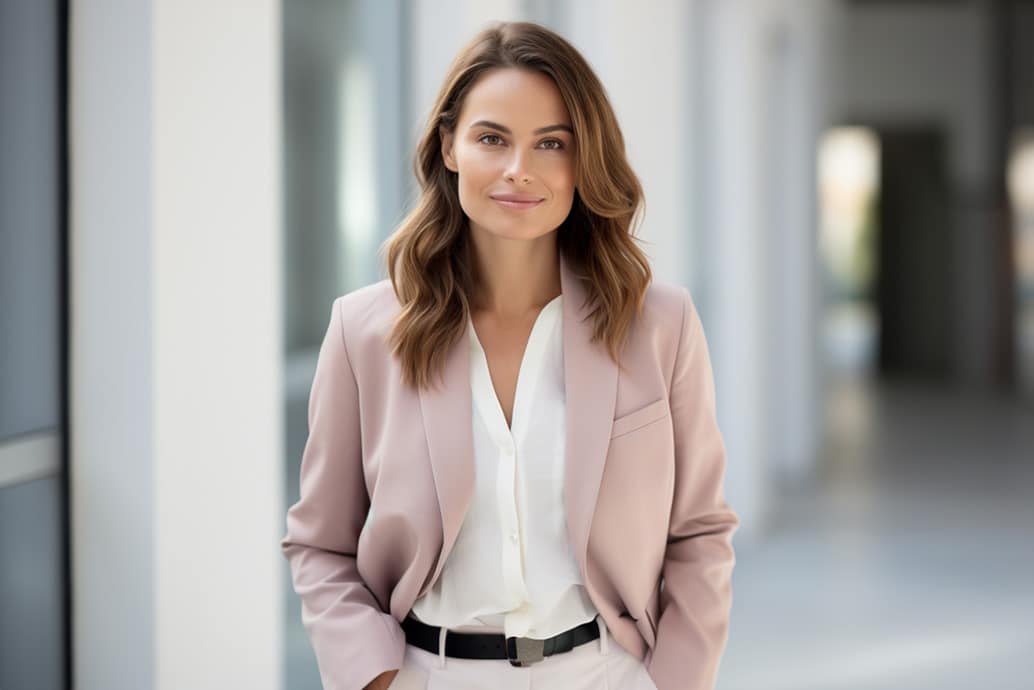
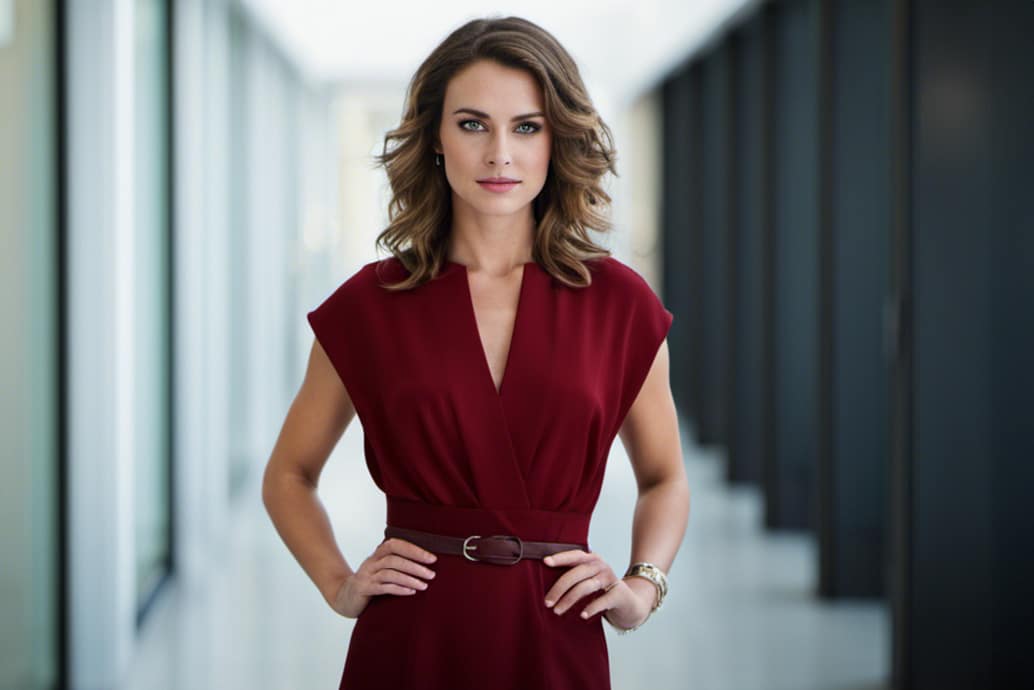
- Dresses, blazers, blouses, and clean separates are all fine if the fit is calm and the fabric is not too reflective.
- Keep jewellery small if you use it. The camera and microphone will notice more than a mirror does.
- Avoid harsh white, deep black, shiny fabrics, transparent materials, tiny patterns, oversized scarves, and statement jewellery.
For men
- Wear something that fits well and still feels like you. Stiffness shows quickly on camera.
- Navy, charcoal, medium blue, and muted earth tones usually perform better than extreme contrast.
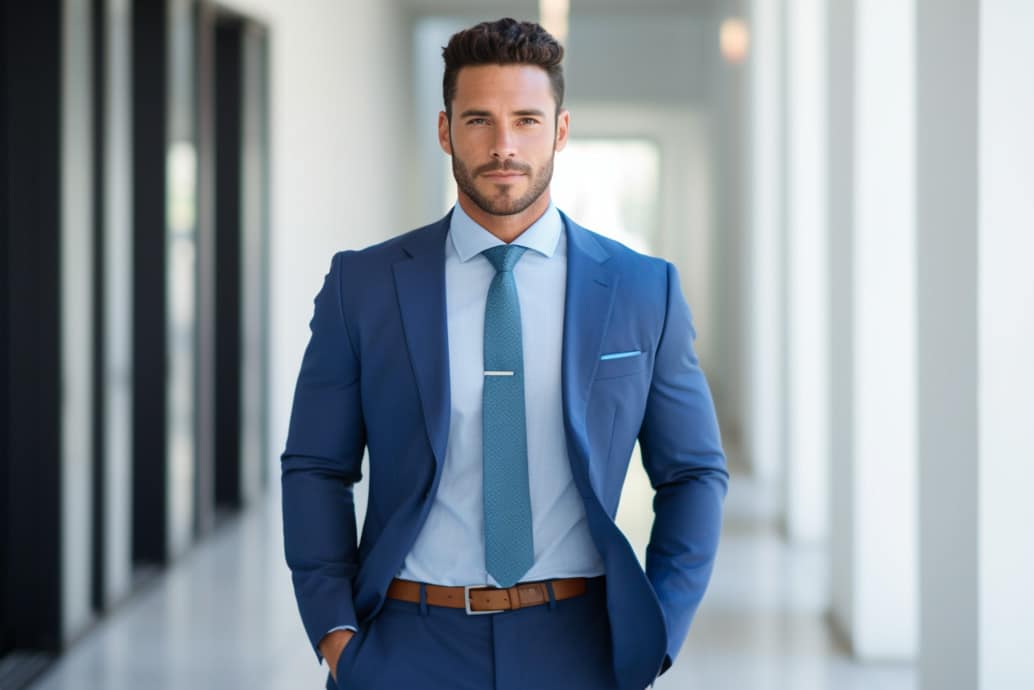
- A jacket, knit, or shirt can all work if the texture stays matte and the shape remains tidy in a seated or standing shot.
- Keep accessories discreet and avoid anything that rattles against a lavalier microphone.
- Avoid harsh white, deep black, shiny fabrics, tiny checks or stripes, and hats that throw shadows across the face.
For non-binary people: combine the guidance that suits your usual wardrobe and role. The camera responds better to coherence than to category.
Examples how to dress for the camera
Generated with AI

The detailed information
1. Feel confident in your outfit
Confidence shows up physically. If you keep adjusting your collar, tugging at a hem, or worrying whether something feels too formal, the audience will often sense it before they know why.
Dress for the role you play in the video, not for an abstract idea of professionalism. An executive update, a thought leadership piece, and a workshop recording can all justify slightly different levels of formality.
2. Solid, muted, and blue tones are usually safest
The camera tends to reward moderate contrast. Pure white can flare under lights, deep black can lose detail, and neon colours can dominate the frame in an unhelpful way. Muted solids, navy, soft blues, greys, and controlled jewel tones are usually more reliable.
Small patterns can shimmer or distract, especially on compressed video. Matte fabrics are usually easier than shiny ones. Wrinkles, transparency, and skin-tone colours that visually blend into the body are also worth avoiding.
3. Choose small accessories
Accessories should frame the person, not compete with the face. Large jewellery can catch light and pull focus. Scarves and necklaces can rub against lavalier microphones and create noise that is expensive to fix later.
Hats can cast shadows, and reflective materials can create technical problems quickly. If in doubt, simplify.
FAQ
Is black always a bad choice on camera?
No, but it often loses detail under lights. Navy or charcoal usually gives a similar effect with better separation.
Why are tiny patterns risky for video?
They can shimmer, flicker, or distract once the camera sensor and compression start working on them.
Should presenters wear a tie or formal businesswear?
Only if it fits the role and audience. The right level of formality depends on context, not on one fixed rule.
Do accessories matter if the shot is fairly tight?
Yes. Close framing makes reflective jewellery, noisy fabrics, and microphone contact even more noticeable.
What matters most when choosing an outfit for video?
That it supports the message, fits the role, and lets the presenter stay physically at ease.