Professional live streams keep attention because the production supports the message. Clean sound, stable images, good pacing, and deliberate visual choices make content easier to trust and easier to follow.
Many organisations start with Zoom, Teams, or a simple home-office setup. That is often sensible. The problem starts when the stream matters and the production quality still signals improvisation. This article explains where professional production changes the result.
Table of Contents
The visual design of the live stream
Viewers decide quickly whether a stream feels worth their attention. They may not describe the problem in technical terms, but they notice bad framing, unstable brightness, weak graphics, awkward transitions, or a speaker who looks disconnected from the camera. Production quality shapes perceived credibility.
This matters because most business live streams ask the audience to stay with complex information. When the image looks neglected, the audience starts spending energy on the friction instead of the content. Professional production removes that friction. It gives the message room to work.
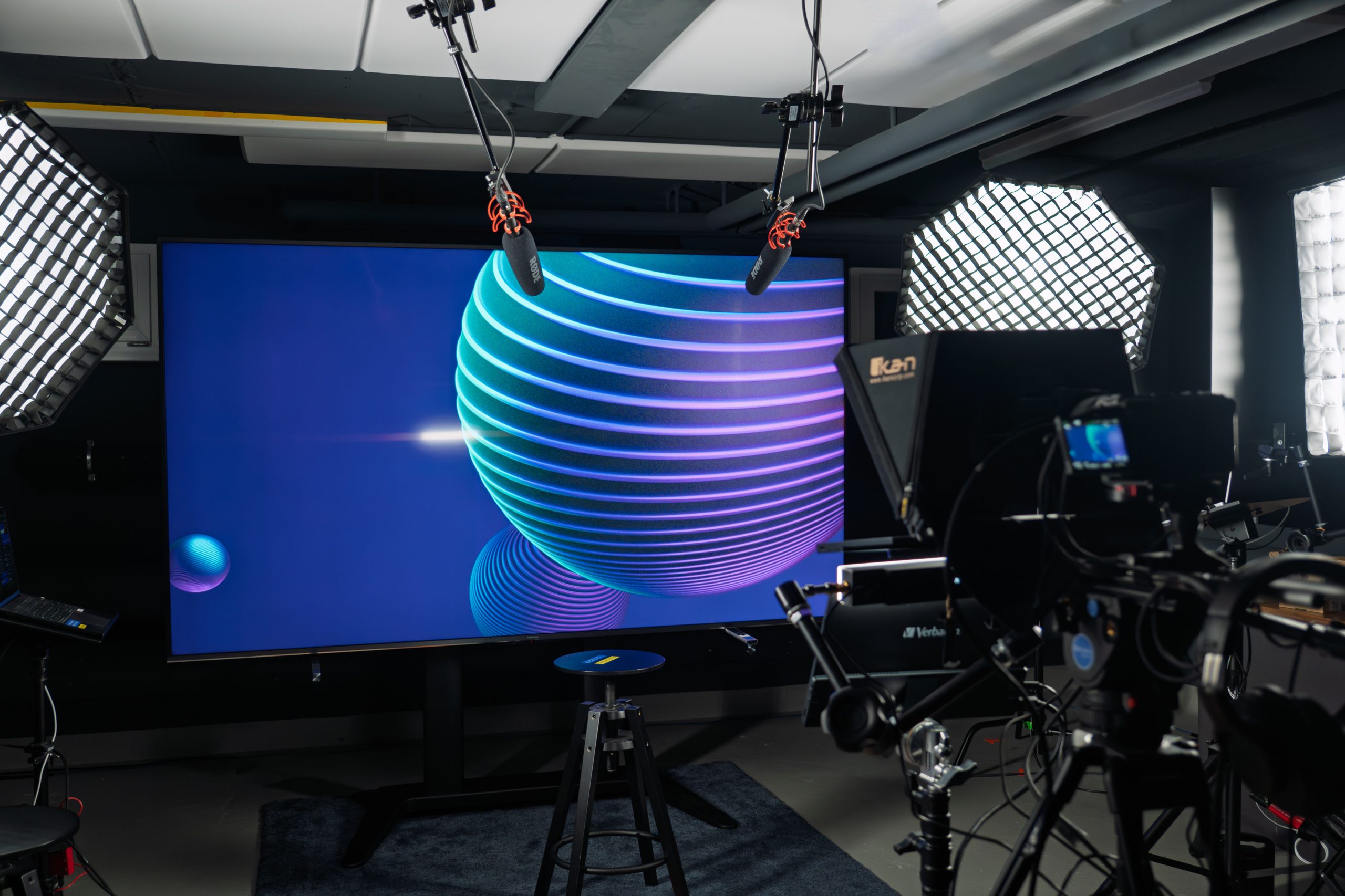
Good visual design is not about making a stream flashy. It is about making choices feel intentional: camera angle, background, lighting, lower thirds, speaker transitions, slides, and branded elements should all belong to the same event rather than look like separate pieces stitched together at the last minute.
Improve your home office live stream
Not every stream needs a full production crew. If you are running smaller online events, a few disciplined adjustments can improve the result noticeably. The basics are camera position, sound, and light.
Use your laptop’s camera correctly, or replace it
The built-in laptop camera is usually too low and too wide. Raise the device so the lens sits close to eye level and frame yourself with a little headroom. That one change already makes the conversation feel more direct.
If the stream is commercially important, use a separate camera. A simple mirrorless camera, webcam, or well-mounted smartphone can deliver a more stable, flattering image than most laptop cameras. The point is not luxury. The point is to stop looking accidental.
Hitting the right tone
Sound quality often determines whether people stay. Viewers tolerate imperfect pictures more easily than echo, room noise, or thin laptop audio. If the voice is tiring to listen to, attention drops fast.
A decent USB microphone, headset, or discreet lavalier already improves a lot. Place the microphone close enough to the mouth, reduce room echo where possible, and test the balance before you go live. Reliable audio is one of the clearest differences between an improvised stream and a professional one.
The light makes the music
Lighting determines whether the speaker looks alert, trustworthy, and easy to read. Harsh overhead light or a bright window behind the speaker makes even good content feel unpolished. The camera needs direction and contrast, not random brightness.
A simple setup is enough: soft light from the front or from a slight angle, separation from the background, and enough consistency that the image does not change every time the speaker moves. Once the basics are stable, the stream immediately looks more deliberate.
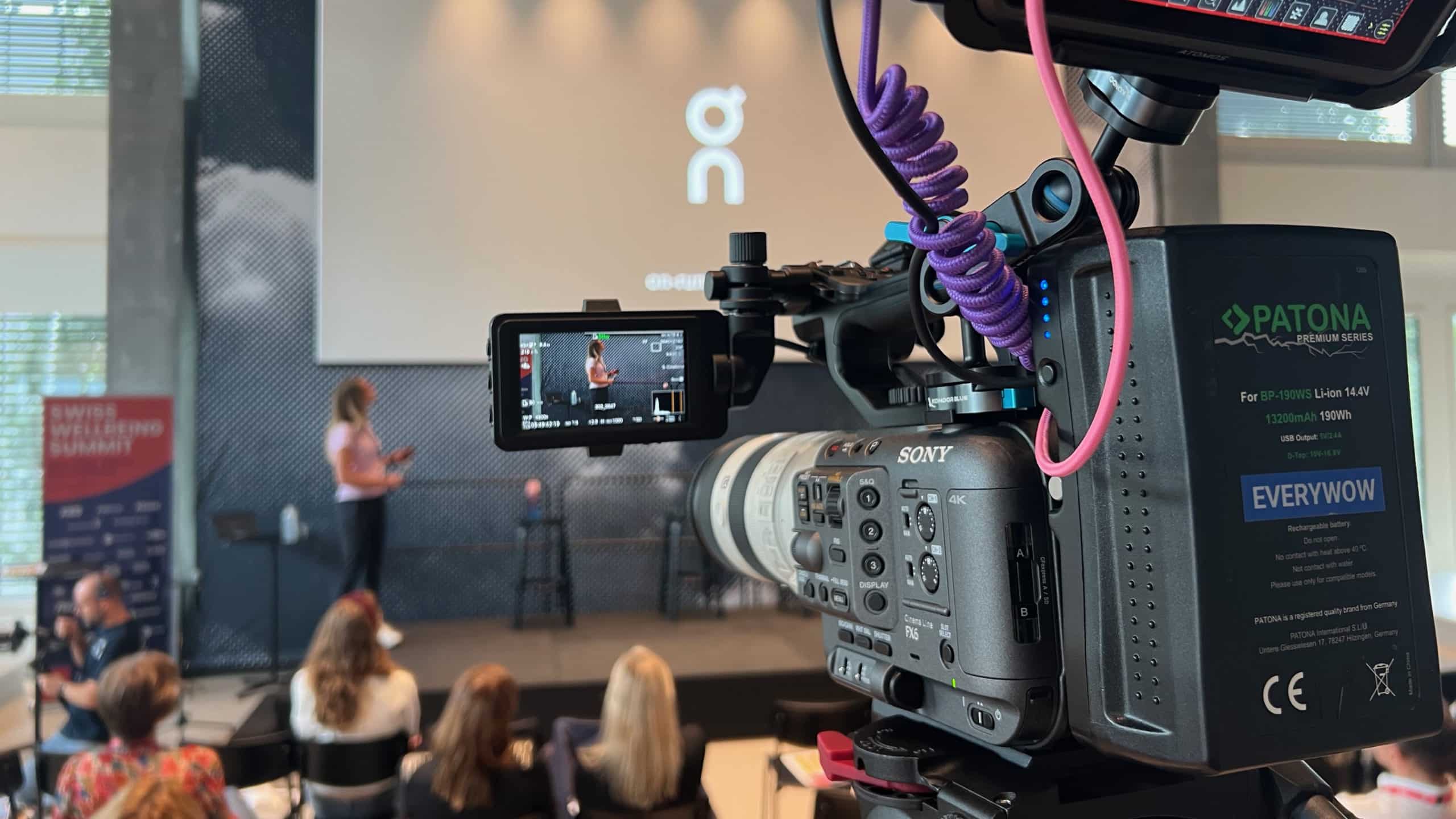
These improvements can make a home-office stream more usable. Professional production goes further by combining multiple cameras, live switching, graphics, remote coordination, speaker coaching, and fail-safes that reduce risk during the event itself.
Book a professional live stream
A professional live stream becomes worthwhile when the audience is important, the brand risk is real, or the event needs more than a single talking head. That applies to conferences, executive updates, investor communication, launches, hybrid events, and productions with several speakers or sources.
EVERYWOW handles the production as a whole: planning, setup, visual design, speaker preparation, technical direction, and post-event delivery. That allows the client team to stay focused on the content and the audience rather than on whether the stream will hold together.
FAQ
When is a professional live stream worth the budget?
Usually when the stream influences reputation, revenue, or an important stakeholder relationship. The higher the consequences of failure, the more valuable professional production becomes.
What is the first upgrade to make in a home-office setup?
Start with sound and camera height. Those two changes usually improve perceived quality faster than buying more expensive gear across the board.
Do viewers really notice lighting and framing?
Yes, even when they cannot name the issue. They experience it as professionalism, clarity, and trust, or as friction and fatigue.
Can a professional team still work with remote speakers?
Yes. Remote productions often benefit from professional coordination even more because camera setup, sound checks, briefing, and backup planning all need to happen before the broadcast starts.