Livestreaming extends the useful life of an event. It increases reach, makes participation easier, and creates content that can continue working after the day itself.
That does not mean every event needs a complex broadcast setup. It does mean organisers should understand where livestreaming adds value and what needs to be in place before going live. This guide covers the fundamentals.
Table of Contents
Why should you live stream an event?
Livestreaming combines the immediacy of an event with the reach of digital distribution. People who cannot travel, people in other time zones, or people who discover the event at short notice can still take part. That alone can change the economics and the usefulness of a programme.
It also changes what happens after the event. Recordings can be cut into shorter clips, reused in sales or recruiting, shared internally, or offered on demand. A well-produced livestream therefore creates both a live moment and a stock of useful material.
The biggest advantages are usually reach, accessibility, measurable engagement, and the ability to combine on-site and remote participation without forcing everyone into the same mode.
What kind of events can you live stream?
Many more than people expect. Conferences, launches, staff meetings, town halls, briefings, product demos, training sessions, concerts, and ceremonies can all work when the production matches the goal of the event.
The best candidates are events with a clear speaking programme, a recognisable audience, and content that remains useful even when viewed on a screen. Some trade fairs and exhibitions also work, but they need more editorial design because the camera has to guide the experience.
In practice, the more important question is not whether an event can be streamed. It is what the remote audience should actually gain from attending online.
How to set up a live stream for your event
A reliable stream depends on a few technical basics. The setup does not have to be extravagant, but it does have to be thought through.
1. Check upload speed and reliability
Your stream is only as stable as the connection behind it. Measure the real upload speed on site, not the promised bandwidth on a brochure. Leave clear headroom above your planned streaming bitrate and plan a backup connection if the event matters.
For important productions, many teams use a wired connection where possible and add bonded 4G or 5G as resilience. Venue Wi-Fi alone is often not enough once hundreds of guests start using it at the same time.
2. Choose your cameras
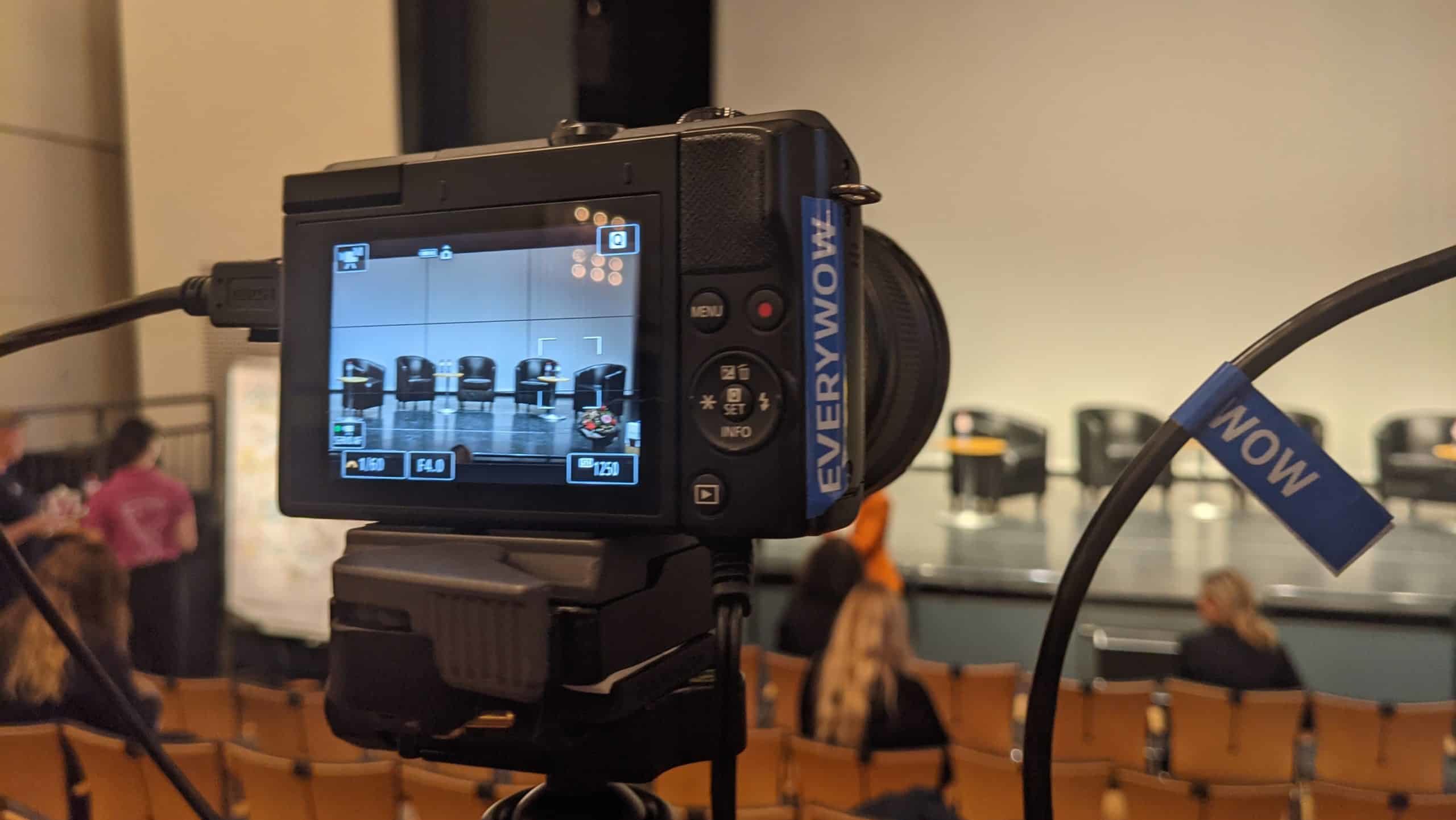
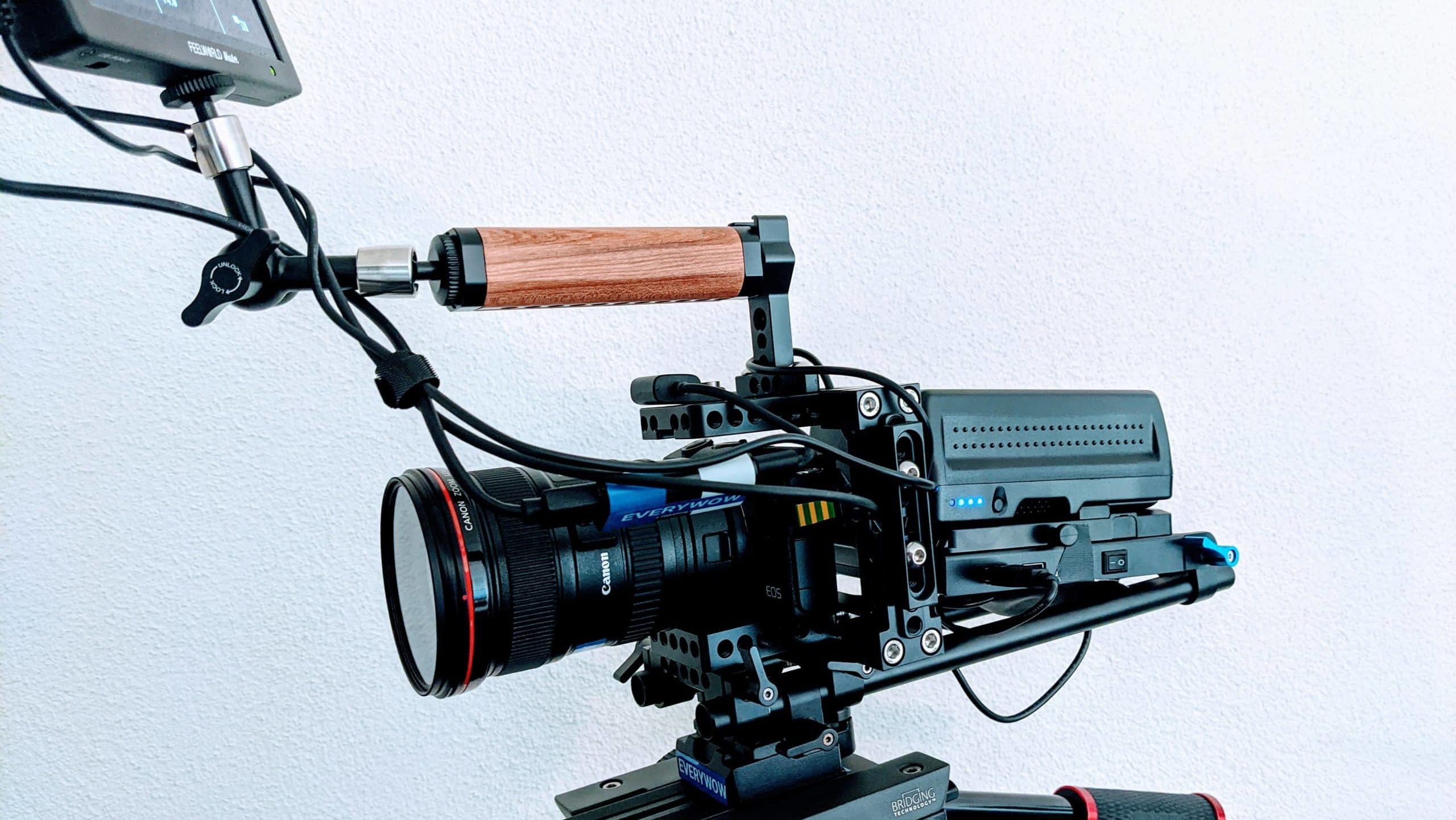
A single static camera can be enough for a very simple stream. Most events benefit from at least two angles so the production can switch between wide shots, close-ups, the audience, or inserts such as slides and demos.
Choose the camera plan around the story you need to tell. If presenters move, if products are shown, or if audience reaction matters, camera coverage becomes a production decision rather than a gear decision.
3. Choose your audio equipment
Audio usually matters more than image quality. If the audience struggles to understand speech, they leave. Use proper microphones for each speaker, take a clean feed from the room sound where possible, and think about ambience as well as voice.
Remote viewers should hear the presenter clearly, but they should also hear enough room response to feel connected to the event. That balance needs to be planned, not improvised.
4. Use the right video mixer and encoder
The mixer and encoder turn several sources into one coherent live programme. Software can be perfectly adequate for smaller productions. Higher-stakes events often benefit from dedicated hardware or a well-tested professional setup because reliability matters more than novelty on the day itself.
Whatever you choose, test the full signal chain in advance. Camera feeds, graphics, slides, remote guests, and audio sync should all be proven before the audience arrives.
5. Choose good lighting
Lighting affects clarity, mood, and professionalism. Event light that looks fine in the room may look weak or uneven on camera. If the venue is not designed for filming, plan extra lighting so faces stay readable and the scene feels intentional.
6. Choose the right streaming platform
The right platform depends on audience behaviour and the kind of interaction you need. Public thought-leadership events may fit LinkedIn, YouTube, or a branded page. Internal events may fit Zoom, Teams, or a restricted platform with registration and access control.
Choose based on audience habits, moderation needs, analytics, and whether the stream should remain public afterwards.
7. Set up everything
Do the setup early enough to test properly. Build scenes or layouts in advance, verify all graphics, run through speaker changes, and do at least one realistic private rehearsal. The closer the rehearsal is to the real production, the more useful it becomes.
On production day, the goal is not invention. It is calm execution.
Conclusion
Livestreaming an event is not difficult because the tools exist. It is difficult because live production leaves little room for hesitation. Clear planning, sensible technical choices, and realistic testing make the difference between a stream that merely happens and a stream that actually works.
If the event matters, it is worth preparing the livestream as carefully as the event itself.
FAQ
What is the biggest technical risk in event livestreaming?
Usually the internet connection. A weak or unstable upload can undermine the whole production, which is why serious streams plan redundancy.
How many cameras does a livestreamed event need?
That depends on the format, but many events benefit from at least two views. One angle is rarely enough once movement, audience reaction, or presentations matter.
Should events stream on social media or on their own website?
Use social platforms when reach matters most. Use a controlled landing page or restricted platform when registration, privacy, or branded experience matter more.
Is a rehearsal really necessary?
Yes. Rehearsals catch problems that never appear on paper: timing issues, missing assets, speaker uncertainty, sync problems, and weak transitions.